
This feature allows an administrator to specify a password that can be used to bypass Filtering Policies. To make sure this feature works with websites over HTTPS, please consider installing the root SSL certificate for your account on all effected computers.
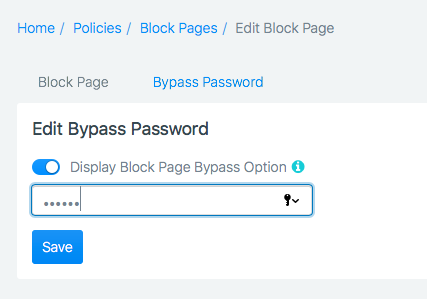
To set this password on a per-Block Page Policy basis, go to Policies -> Block Page (tab) -> Your Block Policy (Edit/Add), Bypass Password (Tab).
Make sure the switch is activated, and enter your custom password. Click "Save".
Comments
0 comments
Please sign in to leave a comment.